


 0755-23243371
0755-23243371
0755-23243371 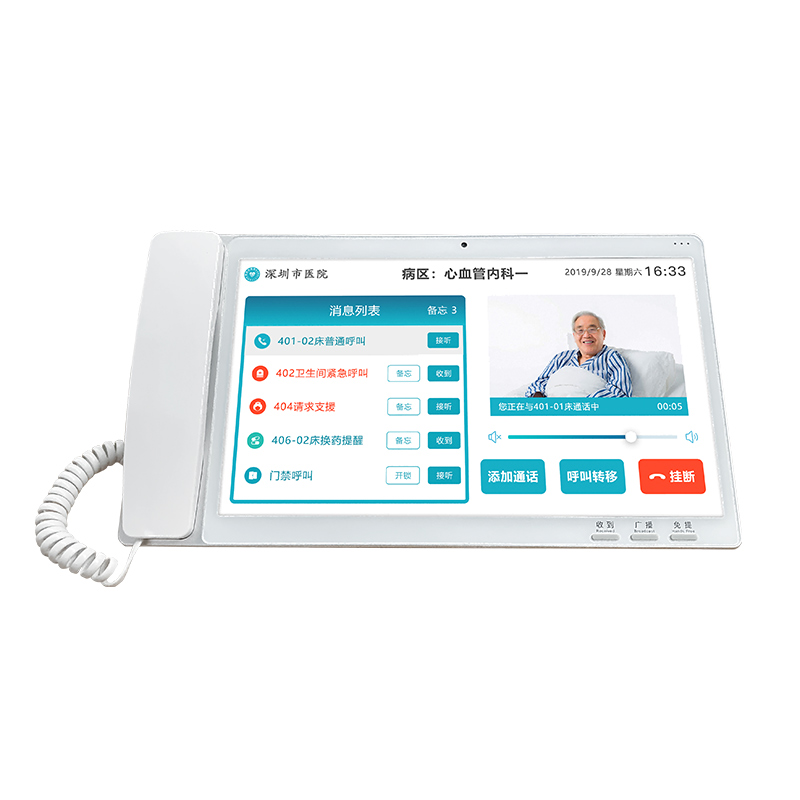
Used to receive all call messages, the rest mode only receives emergency messages from the medical host/secondary machine.
1. Call the patient: Display a list of beds in the nursing unit, click on the specific bed, and initiate a call to the patient in that bed;
2. Call host: initiate a call request to the host of this nursing unit;
3. Call other offices: Display a list of doctor's office extensions in the nursing unit, click on the specific office, and initiate a call request for it;
4. Call processing: Processing call requests from the medical host and other doctor's office extensions of this nursing unit, and processing reinforcement call requests from the bed extension and bedside extension of this nursing unit;
5. Rest/Duty: After clicking the rest button, the received call requests will no longer be broadcasted and will only be reminded on the page. Clicking again will restore the call broadcast.
|
size |
10.1 inches |
|
master chip |
Quad-core Cortex-A55,2.0GHz |
|
internal storage |
2G |
|
memory |
16G |
|
operating system |
Android10.0 |
|
resolution ratio |
1920×1080 |
|
video frequency |
H.264 codec |
|
audio frequency |
G.711/G.722/G.729 codec |
|
network |
10-100Mbps adaptive |
|
communicating protocol |
10-100Mbps adaptive |
|
touch control |
multi point capacitive touch screen |
|
Camera resolution |
3 million pixels |
|
WIFI |
built-in |
|
NFC |
built-in |
|
working voltage |
DC12V |
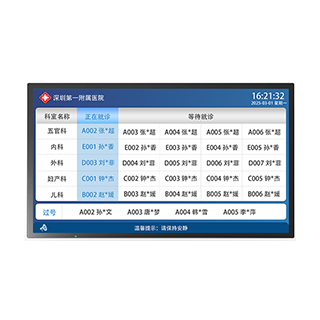
LCD Integrated Terminal in the Waiting Area
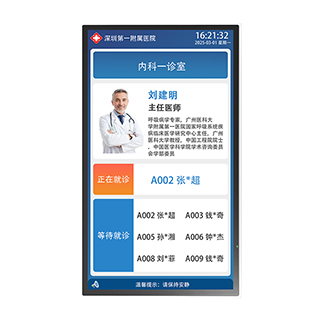
LCD all-in-one machine at the entrance of the consultation room
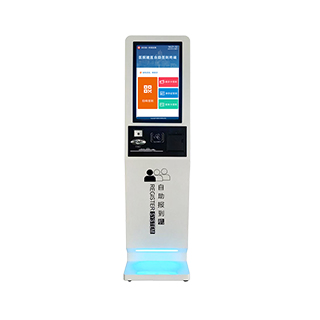
register system
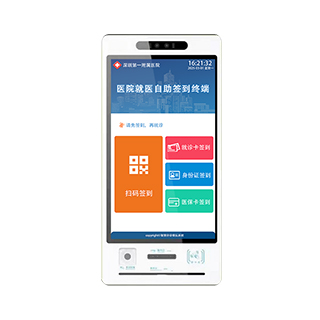
Self service registration machine in the consultation room
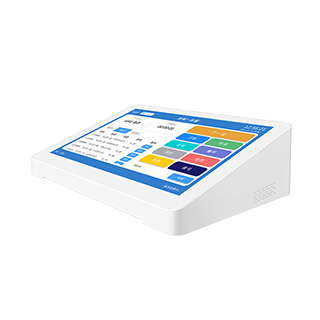
Pad Caller
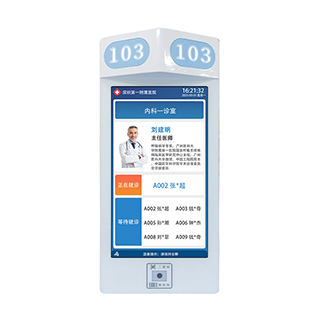
Room registration machine
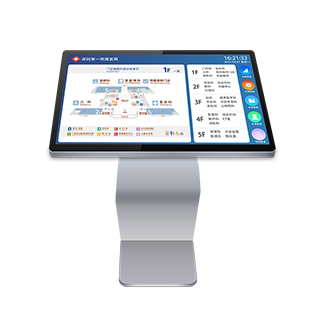
Map navigation all-in-one machine
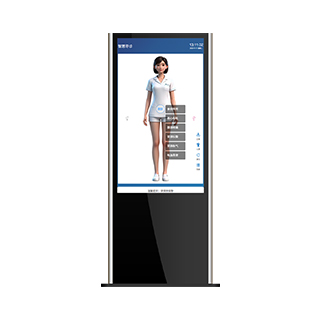
Intelligent guidance machine
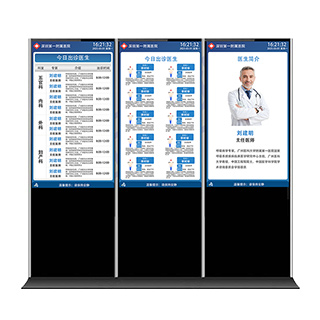
Doctor scheduling terminal display all-in-one machine
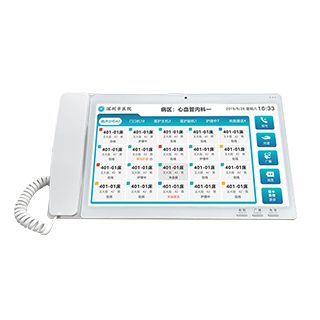
Medical host

